Stopping Calibration
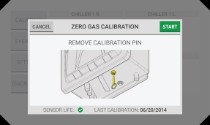
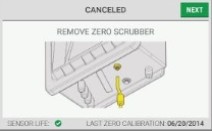
During some phases, when "Cancel" is available in the top left corner, the calibration process can be stopped.
|
|
|
||||||
|
|
|
||||||
|
|
|
During some phases, when "Cancel" is available in the top left corner, the calibration process can be stopped.
|
|
|
||||||
|
|
|
||||||
|
|
|