Unsuccessful Calibrations
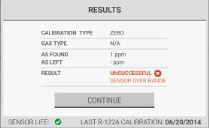
In the unlikely event that a problem occurs during a calibration process, the "Results" screen will show the calibration status as "Unsuccessful".
|
|
|
|||||||||
|
|
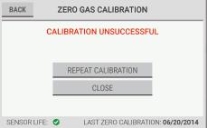
To retry the zero gas calibration, select "Repeat Calibration". To return to the previous calibration values, select "Close".
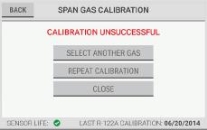
NOTE: To do a span gas calibration for another gas, select "Select Another Gas". To retry the span gas calibration, select "Repeat Calibration". To return to the previous calibration values, select "Close". |
|||||||||
|
|
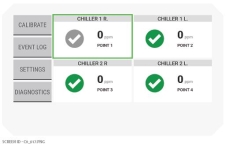
If "Close" is selected, on the dashboard, a gray check mark identifies the points that are affected by the unsuccessful calibration. The gas readings for these sample points are below the alarm threshold but may not be completely accurate. |