Push Notifications
When utilizing external applications without FireGrid Monitor actively running in the foreground or when the tablet is locked, push notifications shall be promptly triggered for the same alarms and warnings as detailed in the 'In-App Notifications' section.
Accessing push notifications requires users to grant permissions upon installing the app. If declined, push notifications will remain disabled.
To activate push notifications, users must navigate to the Tablet settings and follow these steps:
Settings → FireGrid Monitor → Notifications
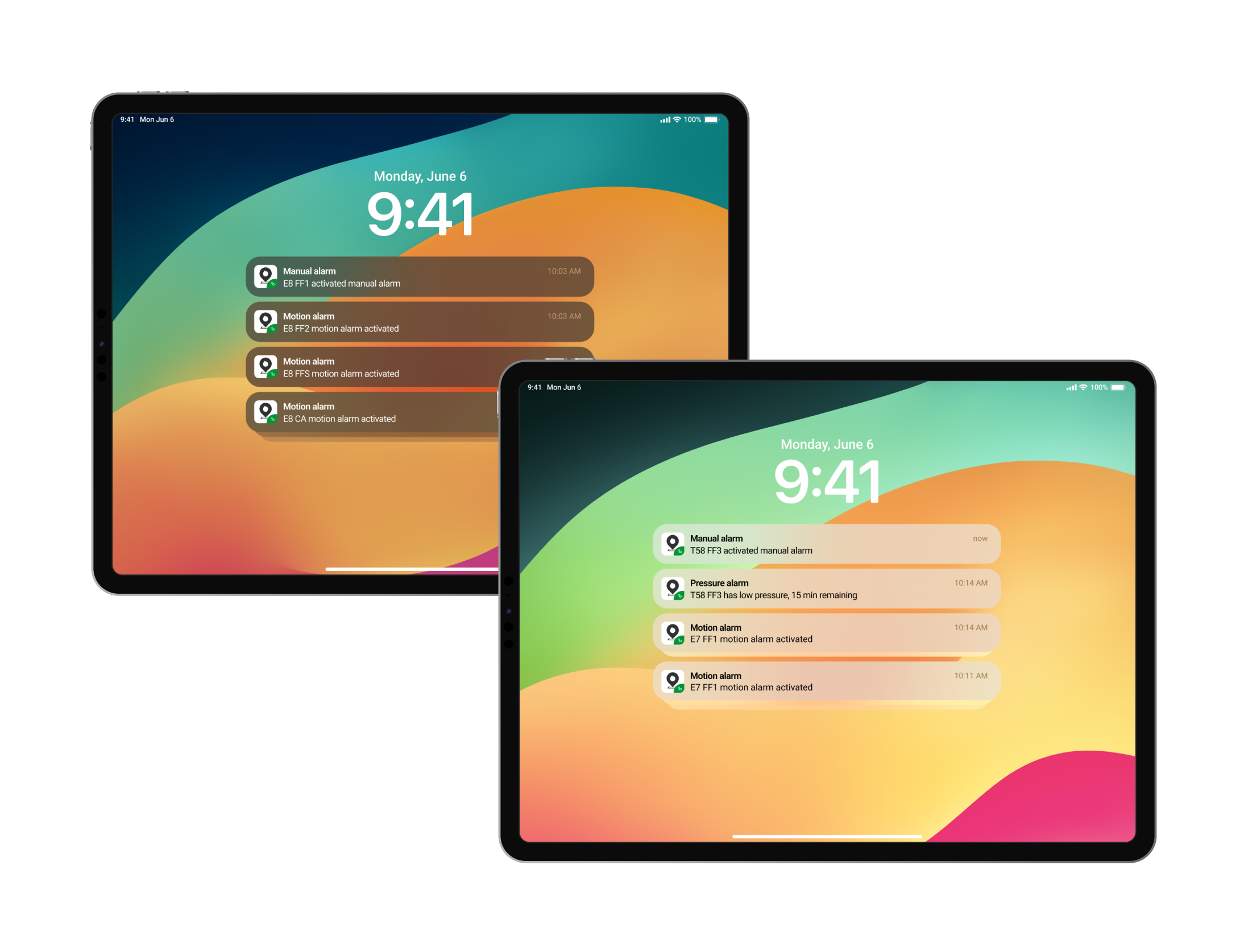
 of Pic 9.3.png)